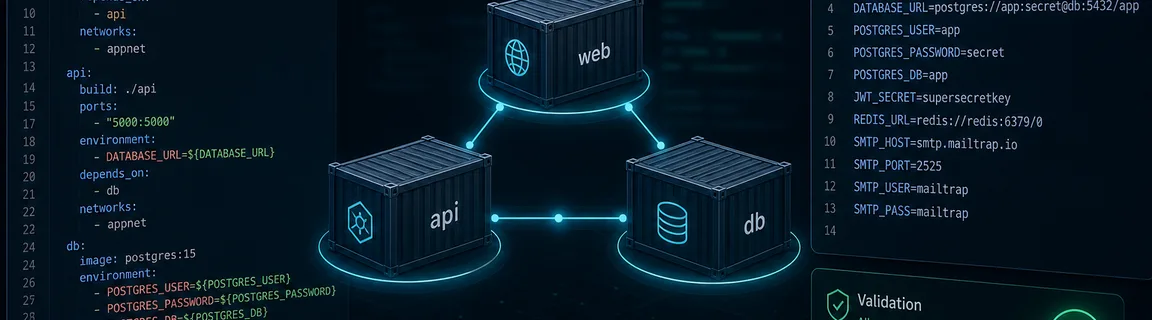
Validate Docker Compose and `.env` Files Online
Check `compose.yml` and `.env` structure before `docker compose up` — validate locally in your browser without installing CLI tools.
Validating Compose and `.env` before deploy
A `docker compose up` that fails on a mis-indented `services` key or a `.env` line without `=` wastes time on a fresh machine, in CI, or during onboarding. A quick structure check before you start the stack catches obvious typos before Docker complains. On FastMinify you can validate a Docker Compose file online and validate a `.env` file online, fully in the browser, with no Docker or Node install. The full cluster lives on the online DevOps tools hub, next to Terraform, Dockerfile, and HCL.
Common errors and pre-deploy workflow
A few mistakes show up constantly. Fixing them before `docker compose up` avoids cryptic Docker messages.
The validator flags keys that look like secrets (`PASSWORD`, `API_KEY`, `SECRET`, `TOKEN`), but that is only a reminder and not a secrets scan. The real discipline is to keep `.env` files out of Git.
Compose and `.env` have two different intents
Compose and `.env` complement each other: one describes the stack, the other injects config. In review, validate both before starting the stack.
What is checked
When to use it
A simple sequence avoids discovering errors at deploy time.
When the browser tool is enough
You do not need Docker installed to check three errors on a `compose.yml` received in a message.
Limits of the browser and what it does not replace
You still need the Docker CLI and daemon once you have to resolve `${VAR}` interpolation, merge multiple Compose files (`-f`), or verify that an image exists.
A service often ships with a Dockerfile, Terraform HCL, and a `.env`. Validating Compose and `.env`, linting the Dockerfile, and formatting the HCL cover the daily DevOps path.
CLI and ecosystem
The Docker CLI and a few linters remain the standard. FastMinify tools complement exploration and one-shots.
docker compose config
Renders the final file with resolved variables and reports spec errors.
Pros:
Cons:
dotenv-linter
Fast `.env` linter (Rust) with rules on keys and values.
Pros:
Cons:
yamllint
Generic YAML linter useful for indentation and style.
Pros:
Cons:
Anatomy of a `compose.yml` and a `.env`
A modern Compose file is a single YAML document with a required top-level `services` key. Each service should declare an `image` or a `build` block. Other expected top-level keys are `networks`, `volumes`, `secrets`, `configs`, `name`, and the legacy `version`. The `version` key is now optional in the current Compose spec but still tolerated.
A `.env` is a list of `KEY=VALUE` pairs, one per line. Blank lines and comments (`#`) are ignored, and an `export ` prefix is tolerated. Key names follow the shell convention (letters, digits, underscore, not starting with a digit). A value with spaces should be quoted to avoid surprises.
Both validators run structural checks, not full Compose spec validation or a secrets scan. They do not resolve variable interpolation (`${VAR}`), do not check that an image exists on a registry, and do not run `docker compose up`. For runtime truth, `docker compose config` and the Docker daemon remain the reference.
Two validations, Compose and `.env`
The validator parses the YAML, checks there is a single document, a mapping root, and a `services` key. It flags services without `image` or `build` and unknown top-level keys. Try the online Docker Compose validator.
The `.env` validator reads each line. It reports lines without `=` or with an illegal key, and it detects unclosed quotes, duplicate keys, and unquoted values that contain spaces. Use the online `.env` validator before sharing an example file.
A service rarely ships alone. Continue with the online Dockerfile linter and the online Terraform / HCL formatter to cover the full infra config.
Conclusion
Validating the structure of your `compose.yml` and `.env` before `docker compose up` avoids deploy failures on typos. Use the browser for a first structural filter, then `docker compose config` and the Docker daemon for runtime truth. Continue with the Dockerfile and Terraform HCL on the same DevOps hub.
Validate your Compose or `.env` now
Related Articles

HTTP/2 and HTTP/3 change how files travel, not how big they are. Measured sizes, compile times and bundling tests show what minification still saves.

Convert a Unix epoch to a readable date and back, tell seconds from milliseconds, and avoid time zone, JWT and clock change traps, all in your browser.

Read a cron expression field by field, check its next runs in UTC or local time and avoid traps with steps, time zones and dialects, all in your browser.