
Debug Minified JavaScript: Source Maps and DevTools
Debug minified JavaScript without guessing: Chrome pretty-print, source maps in production, and a local unminify step when maps are missing.
The problem with minified code in production
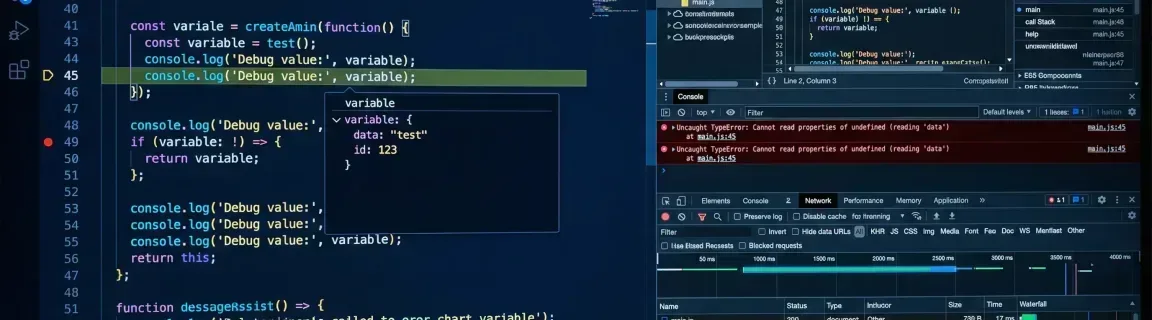
A production TypeError on `main.js:1:245` is not the same job as “paste this into an online unminifier.” Minification strips whitespace and comments; mangling renames functions to `a`, `b`, `c`. Pretty-print restores shape. Only a source map restores original names. If maps are missing and you need a local copy, then use the JavaScript unminifier — knowing identifiers stay mangled.
When production JavaScript is unreadable
These are debugging problems. Unminify is one tactic — not the default.

Formatting is not decompilation. Treat these limits as hard:
Limitations:
What works:
When to unminify vs pretty-print
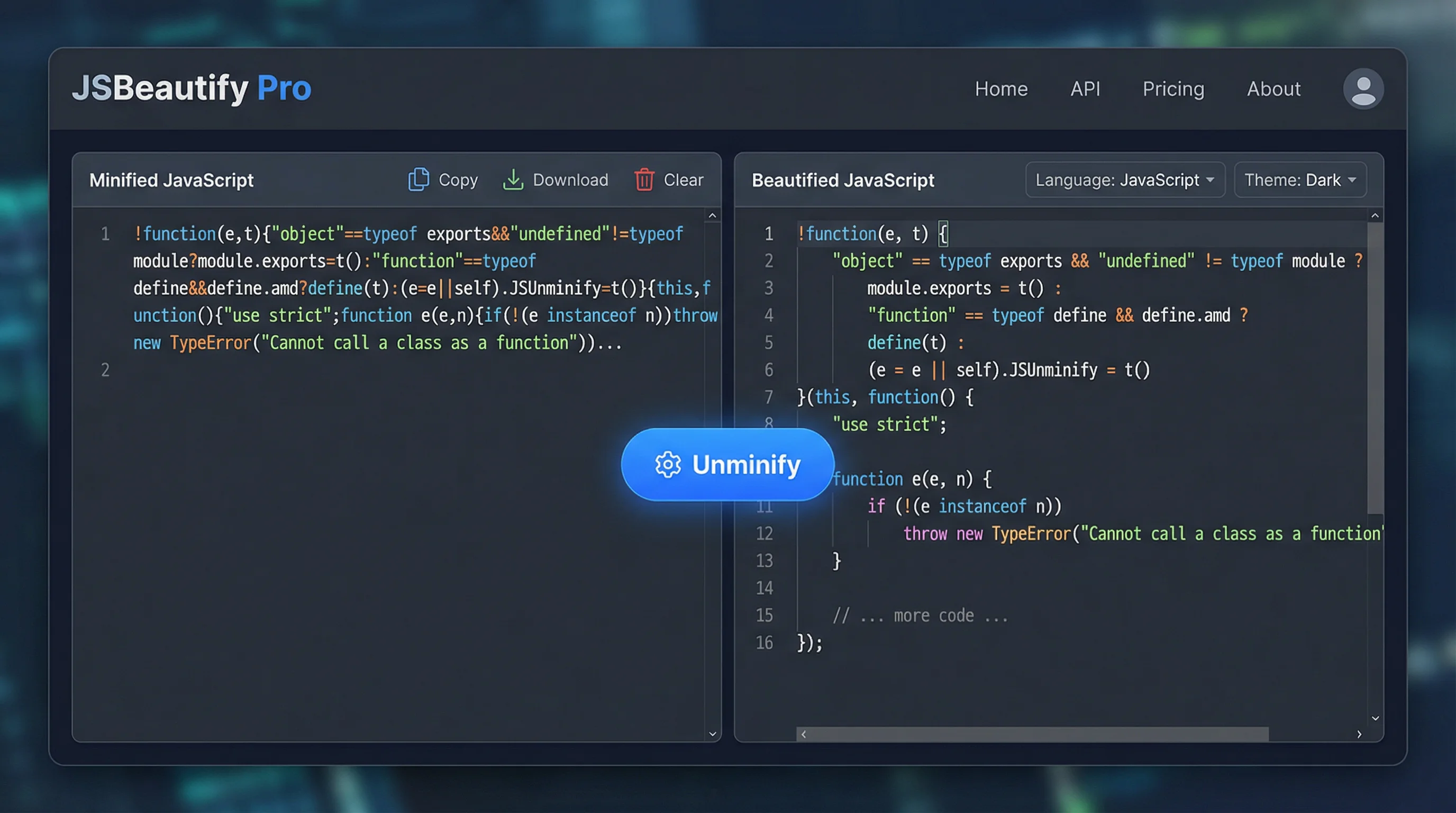
Do not start by pasting into a tool. Walk this order — the unminify JavaScript page is step 3, when maps are missing.
1Look for a source map
In DevTools → Sources, check for original files next to the bundle, a `.map` sibling, or a `//# sourceMappingURL=` comment. If a map loads, debug there and stop.
2Pretty-print in the browser or editor
Chrome Sources: the `{}` Pretty Print control formats the file in place. VS Code: Format Document (built-in JS formatter or Prettier) on a saved `.min.js`. Same limit: names stay mangled.
3Unminify locally only if you need a file copy
No map, and you want indented source on disk or in another tool: paste into unminify JavaScript. Processing stays in the browser. Indent size and character are the format knobs — not a deobfuscator.
4Navigate with literals, not names
Search for unique strings, URLs, and error messages. Follow `if` / `return` / `.then(` patterns. Do not wait for `a` to become a real identifier.
Example:
Before (minified):
After (unminified):
Pretty-print (or a source map) should come before copying a megabyte of bundle into an editor.

Minified code:
Unminified code (preview):
Source maps: the best production debug path
A `.map` file records how minified positions map back to original sources. DevTools can then show real file names, original identifiers, and breakpoints in the code you wrote — which no unminifier can reconstruct.
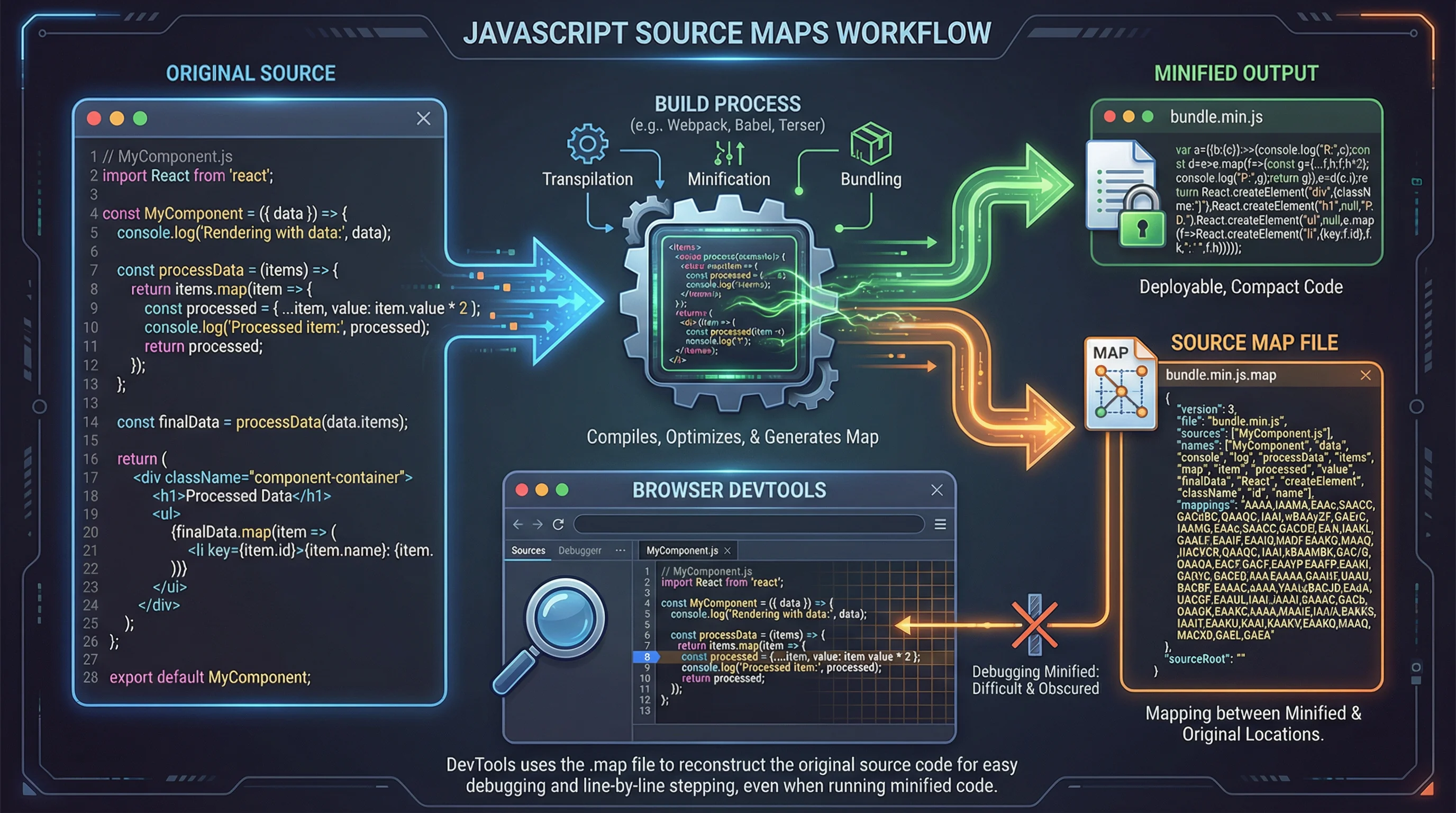
Webpack 5: set `devtool` (do not pass a removed `sourceMap: true` flag to TerserPlugin). Vite: `build.sourcemap: true` or `'hidden'`. Standalone Terser can still attach a map object as below.
Terser
Webpack
Debugging with browser DevTools
Chrome (and other Chromium DevTools) can format the file you are already inspecting. That is faster than exporting the bundle when you only need to read the crashing line. VS Code’s Format Document on a saved `.min.js` is the editor equivalent — still not a source map.
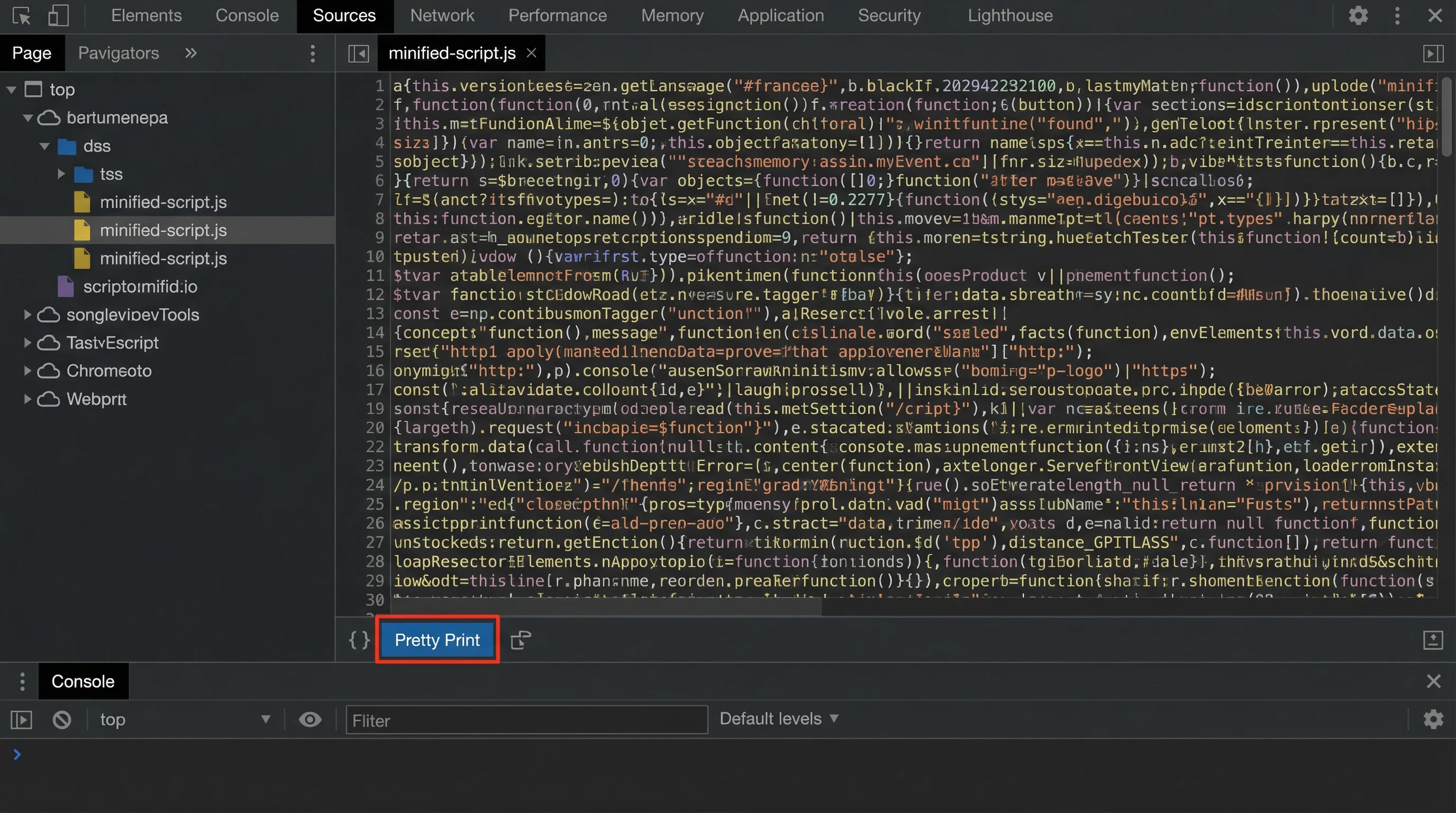
Once DevTools (or an editor) has formatted the file, line numbers refer to the pretty-printed view unless a map is active:
Tips:
When you still need a local formatted copy
These options re-indent JavaScript. None of them restore mangled names. The expand-minified-JS job lives on unminify JavaScript. The sibling beautify JavaScript page is the formatter URL; minify JavaScript is the inverse.
FastMinify — Unminify JS
Browser-local unminifier: paste a minified snippet, get indented output. Indent size and spaces vs tabs only. Nothing is uploaded.
Pros:
Cons:
VS Code + Prettier
Save the file and run Format Document. This is the usual “unminify in VS Code” path: same readability gain as pretty-print, still no original identifiers.
Pros:
Cons:
JS Beautifier
Open-source formatter (js-beautify) available as a library, CLI, and various web UIs. Same class of tool: whitespace and structure, not original symbols.
Pros:
Cons:
What to do next
Debug minified JavaScript in this order: source maps if they exist, pretty-print in DevTools or VS Code if you only need to read the crashing line, and a local unminifier only when you need a formatted copy and maps are missing. The tool does not undo mangling. Fix the build so the next incident has maps.
Maps missing and you need indented source locally? Use the browser unminifier — then go back to DevTools.
Related Articles

Compute network, mask, host range and broadcast of a CIDR, summarize ranges into minimal blocks and check an IP, all in your browser. Nothing is uploaded.

Format a Copy as cURL, parse a raw HTTP request or response and read a HAR export in your browser: nothing is sent, nothing is replayed.

Decode a JWT header and payload, or sign a test token, right in your browser: HS256, RS256, ES256, with no secret sent to a third-party server.