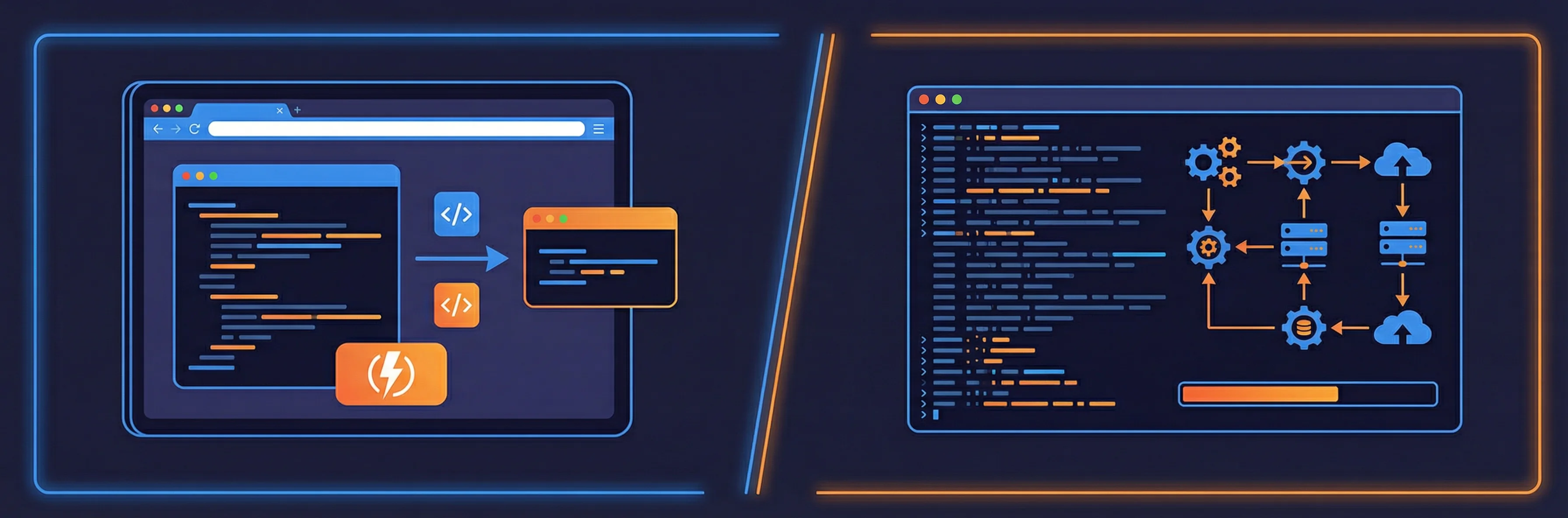
Online Minifiers vs Build Tools: When to Use Each
Understand the differences between online minifiers and build tools. Learn when to use each approach to optimize your development workflow.
The developer's dilemma: online tools or build pipeline?
Every developer faces the same question when optimizing code: should you use an online minifier or integrate minification into your build process? Both approaches have distinct advantages and use cases. Understanding when to choose each can significantly improve your development workflow and code quality.
Best practices: combining both approaches
The best developers don't choose one approach exclusively. They use online minifiers for quick tasks and build tools for production workflows.
Here are practical ways to combine both approaches effectively in your development workflow.
What online minifiers excel at
Online minifiers require no setup, installation, or configuration. You paste your code, click a button, and get minified output immediately. This makes them ideal for quick tasks, one-off optimizations, or when you need to process code outside your development environment.
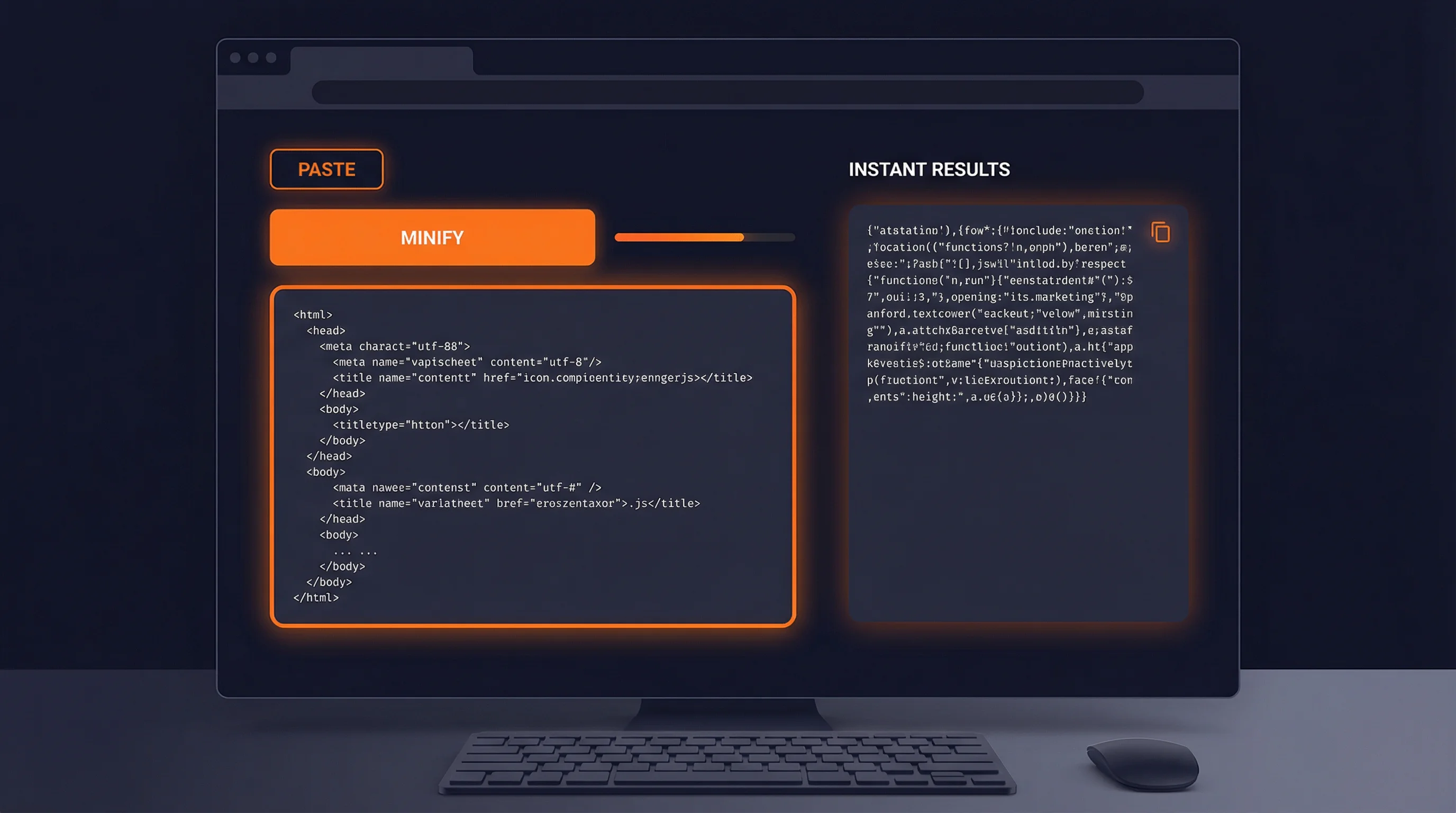
Online minifiers shine in specific scenarios where speed and simplicity matter more than automation.
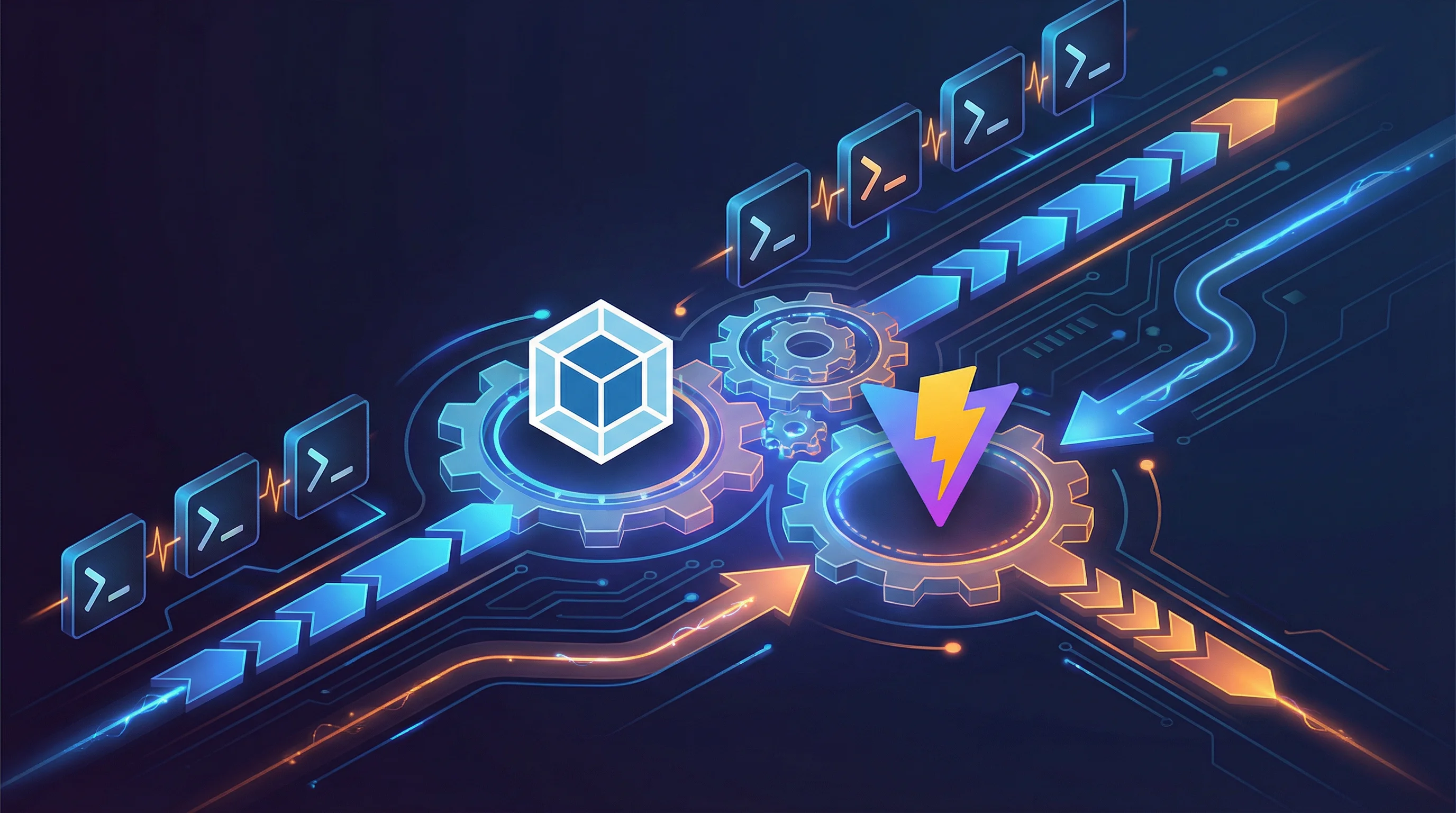
What build tools are designed for
Build tools like Webpack, Vite, and Terser are designed to integrate minification into your entire development and deployment pipeline. They handle not just minification, but bundling, tree-shaking, code splitting, and optimization as part of a cohesive workflow.
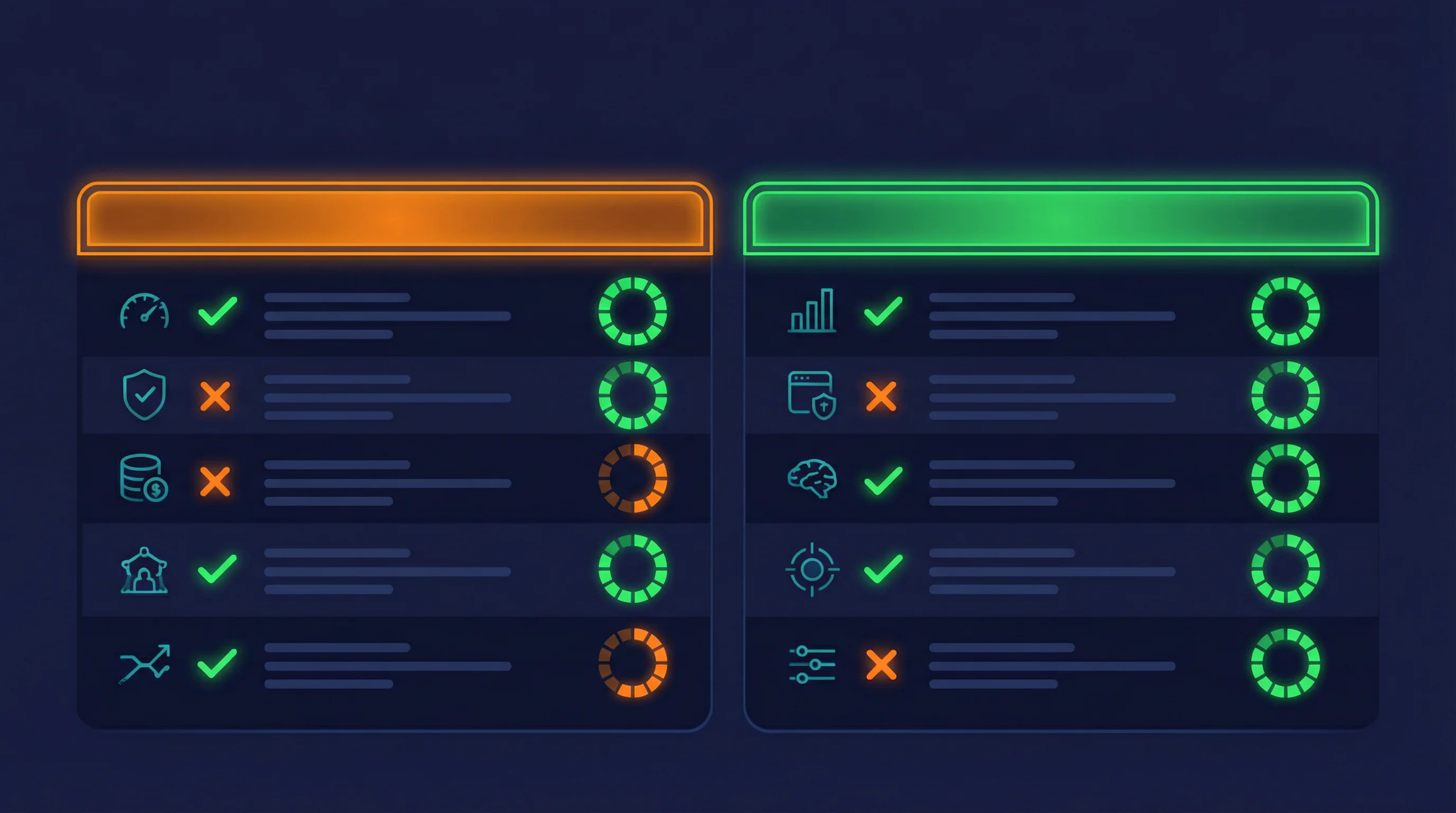
Build tools ensure that every deployment includes optimized code without manual intervention. This consistency is crucial for production applications.
Key differences: setup, speed, and flexibility
The most obvious difference is the initial setup required. Online minifiers have zero setup, while build tools require configuration but offer more control.
Online
Build Tools
Speed means different things in each context. Online minifiers are faster for one-off tasks, while build tools are faster for repeated operations through automation.
Build tools offer extensive plugin ecosystems and customization options that online minifiers cannot match. However, this flexibility comes with complexity.

Build Tools
Online
When an online minifier is the right choice
For rapid development, testing, or when you need immediate results without setting up a build process, online minifiers are unmatched.
Even with a build tool in place, online minifiers can complement your workflow. They're useful for processing files outside your main project or for quick comparisons.
When build tools are essential
For any production application or team project, build tools are not optional—they're essential for maintaining code quality and deployment consistency.
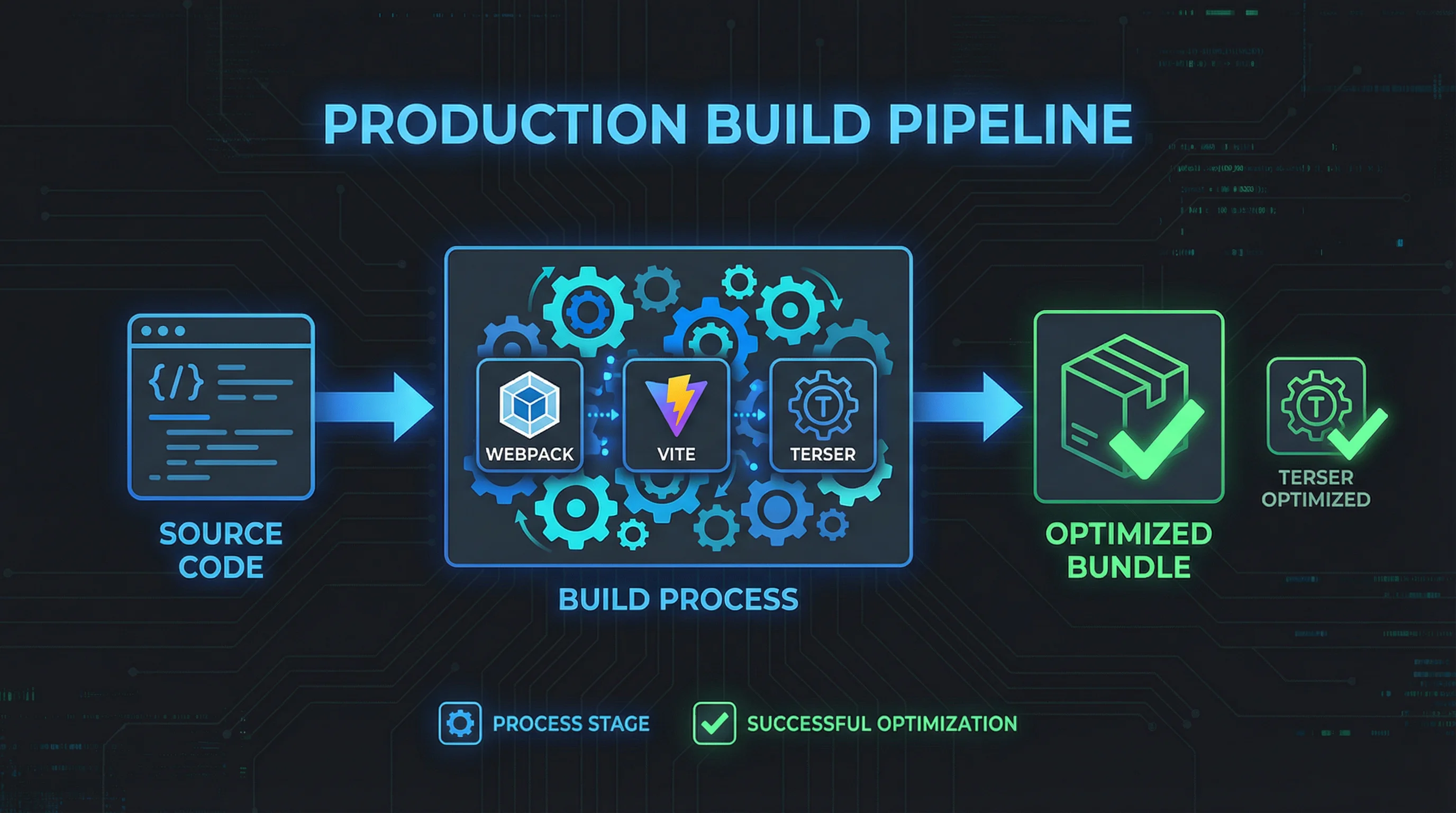
When you need more than basic minification—tree-shaking, code splitting, source maps, or custom transformations—build tools are the only viable option.
Common misconceptions
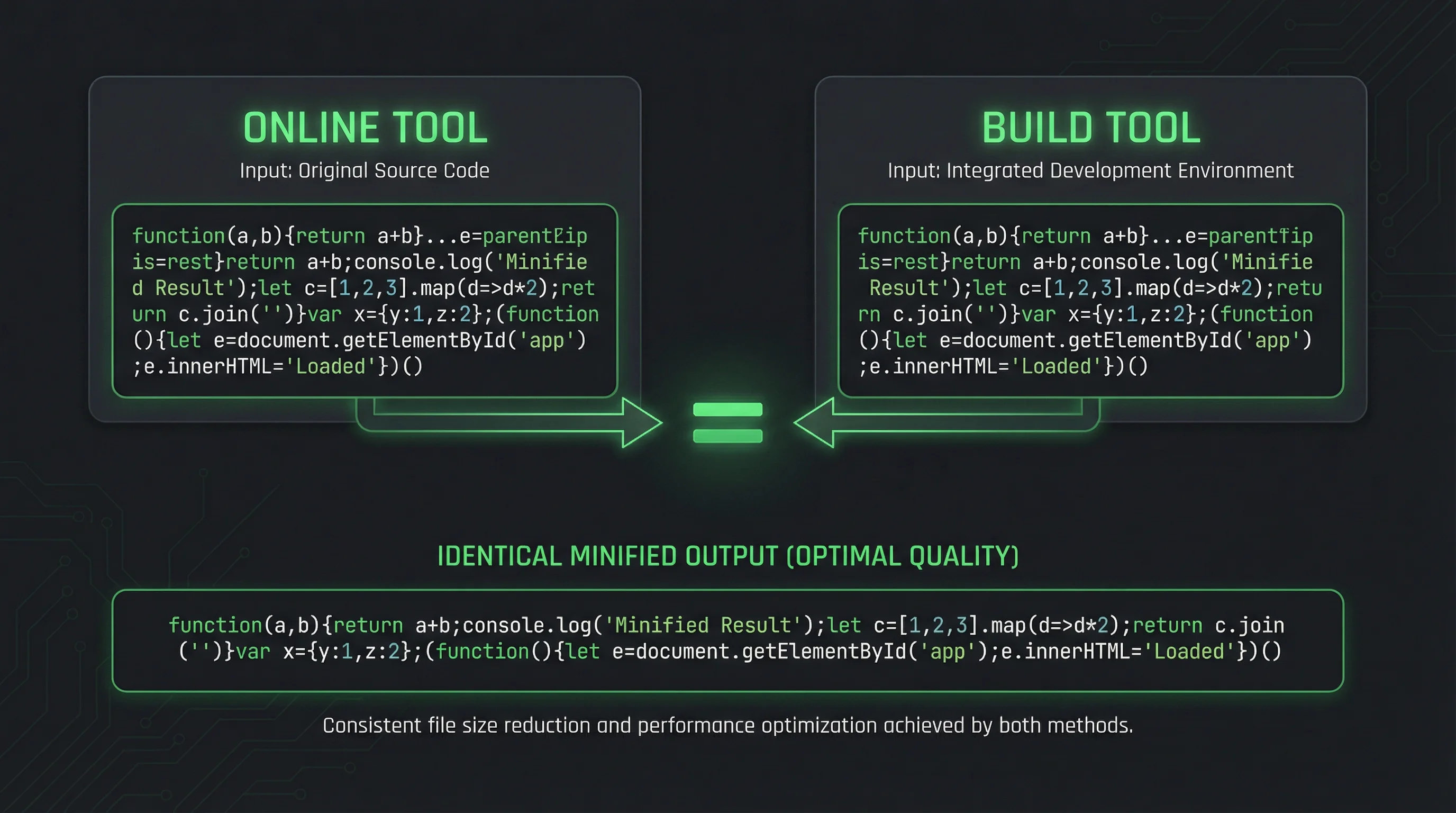
Many developers assume online minifiers produce inferior results. In reality, many online minifiers use the same underlying engines (like Terser) as build tools, producing identical output.
Not every project needs a full build tool setup. For simple static sites, one-off scripts, or learning projects, online minifiers can be perfectly adequate.
The best approach often combines both. Use online minifiers for quick tasks and exploration, build tools for production automation.
Tool comparison: online vs build-integrated
Online minifiers provide instant access without installation. Here are examples of what they offer:
FastMinify
Free online minifier supporting JavaScript, CSS, JSON, and SVG. No registration required, instant results, and works on any device.
Pros:
Cons:
Other online minifiers
Various online tools offer similar functionality with different interfaces and feature sets.
Pros:
Cons:
Build tools integrate minification into your development workflow with extensive customization options.
Terser (via Webpack/Vite)
Industry-standard JavaScript minifier integrated into most build tools. Provides excellent compression and optimization.
Pros:
Cons:
CSSO (CSS optimization)
Advanced CSS minifier often integrated into build pipelines for optimal CSS compression.
Pros:
Cons:
Conclusion: choose based on context
Online minifiers and build tools serve different purposes in a developer's toolkit. Online minifiers excel at speed and convenience for quick tasks, while build tools provide automation and consistency for production workflows. The most effective approach is understanding when to use each tool and combining them strategically in your development process.
Try our free online minifier for JavaScript, CSS, JSON, and SVG
Related Articles

Compute network, mask, host range and broadcast of a CIDR, summarize ranges into minimal blocks and check an IP, all in your browser. Nothing is uploaded.
Format a Copy as cURL, parse a raw HTTP request or response and read a HAR export in your browser: nothing is sent, nothing is replayed.

Decode a JWT header and payload, or sign a test token, right in your browser: HS256, RS256, ES256, with no secret sent to a third-party server.