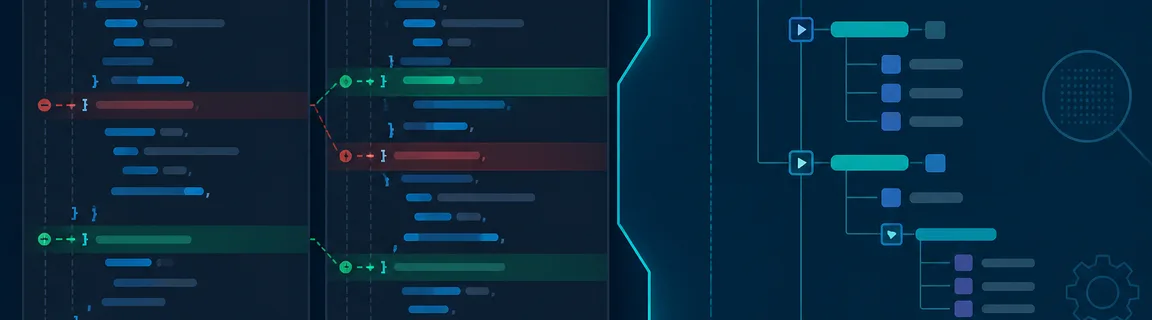
JSON Formatter, Diff and Tree Viewer: Compare and Explore Payloads
Format, diff two API responses and explore deep JSON in a tree — a no-install debug workflow in your browser.
Three complementary tools for JSON debugging
Once the syntax is valid, the real work begins. You read a minified payload, spot what changed between two API versions or navigate a config nested over thousands of lines. The online JSON formatter re-indents a compact document with 2 or 4 spaces or with tabs, and pasting formats it right away. JSON diff compares two documents side by side and lists the changed, added and removed paths. The JSON tree viewer collapses deep branches, highlights search matches and spares you endless lines. These three tools on the JSON tools hub run entirely in your browser, and nothing is uploaded. If the JSON is invalid, start with the validate and repair JSON guide before formatting or comparing.
Best practices and honest limits
Formatting or comparing invalid JSON produces frustrating errors. Follow the order: validate (and repair if needed) → format or explore → diff → minify for prod.
Each tool has a narrow scope. None of them is a full IDE, and the diff does not merge documents.
When to use the formatter, the diff or the tree
The JSON formatter parses the input, checks that it is valid, then writes it back with JSON.stringify and your indentation. The values stay the same, but the text is rewritten: 89.0 becomes 89, 1e3 becomes 1000 and \u escapes become plain characters. Integer-like keys move to the top of their object. Integers beyond 2^53 are rounded, and a duplicated key keeps only its last value.
JSON diff needs two valid documents. It compares the parsed data, so indentation and key order do not count. It flags changed values, added or removed keys and type changes, each with a dotted path such as user.role.
The JSON tree viewer builds an interactive tree once the JSON parses. When it appears, two levels of keys are visible and deeper objects and arrays are collapsed. Search matches keys and values, ignores case and hides the branches that do not match. Expand and Collapse open or close every branch at once.
When your JSON contains multiline strings, quotes or sequences copied from devtools, use the JSON escape tool before formatting or exploring. Its Escape and Unescape tabs prepare or restore string literals with the native JSON.stringify and JSON.parse.
\n and \" sequences become readable text againFormat, explore, then compare
You copy a 200 response from the Network panel of the devtools. It is a single line of several KB.
Step 1: Validate (if unsure)
Paste it into the JSON validator. If it reports a syntax error, read the repair guide before going further.
Step 2: Format
Open the JSON formatter and paste the response. Pasting formats it, and setting Indent to 2 or 4 spaces formats it again. The parsed data does not change.
Step 3: Explore in tree (optional)
For a deeply nested object, paste the same output into the JSON tree viewer. Collapse the branches you do not need and search for a specific key.
Two config or API response snapshots must be compared before deployment.
Step 1: Normalize (optional)
JSON diff ignores indentation and key order, so you can paste both documents as they are. Sort the keys in the formatter only if you also want a short line diff in Git.
Step 2: Compare
Paste the original on the left and the new version on the right in JSON diff, then select Compare. The summary lists each affected path.
Step 3: Drill into the delta
Suspicious path? Copy the branch into the tree viewer or reformat only that section for team review.
These tools fit into a broader pipeline on the JSON tools hub.
Conclusion
Debugging JSON should not require installing an extension or uploading sensitive payloads to a third-party server. Format to read, explore in a tree to navigate and compare to catch regressions, all locally on FastMinify. Add validation and minification when you are ready to ship.
Explore JSON tools now
Related Articles

Paste a token and a JWKS to check an RS256, ES256 or HS256 signature in your browser. How kid picks the key, measured errors and the claims to check.

HTTP/2 and HTTP/3 change how files travel, not how big they are. Measured sizes, compile times and bundling tests show what minification still saves.
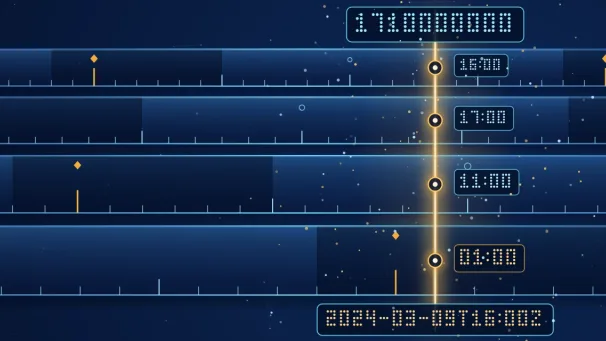
Convert a Unix epoch to a readable date and back, tell seconds from milliseconds, and avoid time zone, JWT and clock change traps, all in your browser.